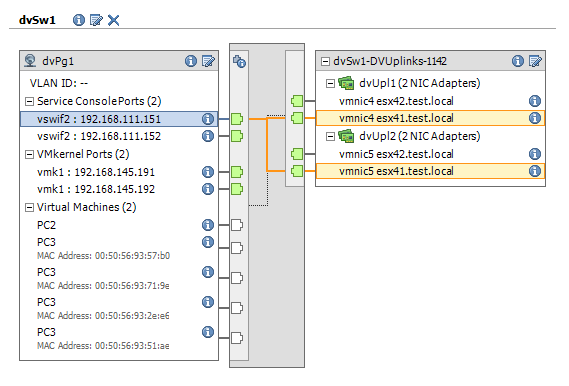
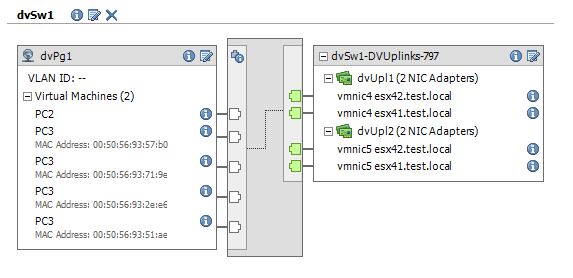
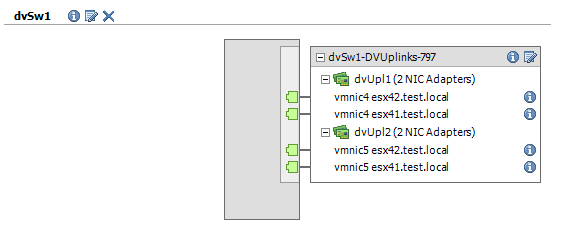
Over the last few weeks I have published a number of blog entries that showed how you could use PowerShell, PowerCLI and the SDK to automate the management of the vNetwork Distributed Switch.
To facilitate the use of the functions I provided in these posts I created a table that lists all the dvSwitch related functions together with a link to the post where they were published.
| Functionname | Description | Link |
New-dvSwitch |
Creates a new dvSwitch | Part 1 |
Get-dvSwHostCandidate |
Find hosts that can be connected to a dvSwitch | Part 1 |
Add-dvSwHost |
Add a host to a dvSwitch | Part 1 |
Get-dvSwitch |
Find a dvSwitch by name | Part 2 |
New-dvSwPortgroup |
Create a new dvPortgroup | Part 2 |
Get-VLANRanges |
Internal function ! Do not use directlu. | Part 2 |
Set-VM2dvPortgroup |
Connect a VirtualMachine to a dvPortgroup | Part 2 |
New-InternaldvSwvNic |
Internal function ! Do not use directly. | Part 3 |
New-dvSwConsole |
Create a Service Console on a dvSwitch | Part 3 |
New-dvSwvmKernel |
Create a vmKernel on a dvSwitch | Part 3 |
Set-dvSwPgvMotion |
Enable vMotion on a vmKernel dvPortgroup | Part 3 |
Set-dvSwPgFTLogging |
Enable FT logging on a vmKernel dvPortgroup | Part 3 |
Set-dvSwUplink |
Update the number of uplinks on a dvSwitch | Part 4 |
Add-dvSwHostpNic |
Add pNics to a dvSwitch | Part 4 |
Set-dVSwPgTeam |
Set up Nic Teaming on a portgroup on a dvSwitch | Part 4 |
| <script> | Clone a guest and connect to a dvPG | Part 5 |
New-dvSwPVLAN |
Create PVLAN | Part 6 |
Set-dVSwPgPVLAN |
Assign a PVLAN to a portgroup | Part 6 |
Get-dvSwPg |
Find a portgroup | Part 7 |
Set-dvSwPgVLAN |
Change the VLAN Id of a portgroup | Part 7 |
Get-dvSwNetworkAdapter |
Get network adapter information | Part 8 |
Set-dvSwNetworkAdapter |
Change portgroup connection of a network adapter | Part 8 |
Get-dvPgTrafficShaping |
Get the traffic shaping settings of a portgroup | Part 9 |
Set-dvPgTrafficShaping |
Set the traffic shaping settings of a portgroup | Part 9 |
New-dvSwNetworkResourcePool |
Create a user-defined network resource pool | Part 10 |
Remove-dvSwNetworkResourcePool |
Remove a user-defined network resource pool | Part 10 |
Get-dvSwNetworkResourcePool |
Retrieve user-defined network resourcepool(s) | Part 10 |
Set-dvSwSIOC |
Enable/disable NetIOC on a dvSw | Part 10 |
Get-dvSwSIOC |
Retrieve the NetIOC status | Part 10 |
Get-dvVmPort |
Get port used by VM NIC | Part 11 |